
Examples
Certificate
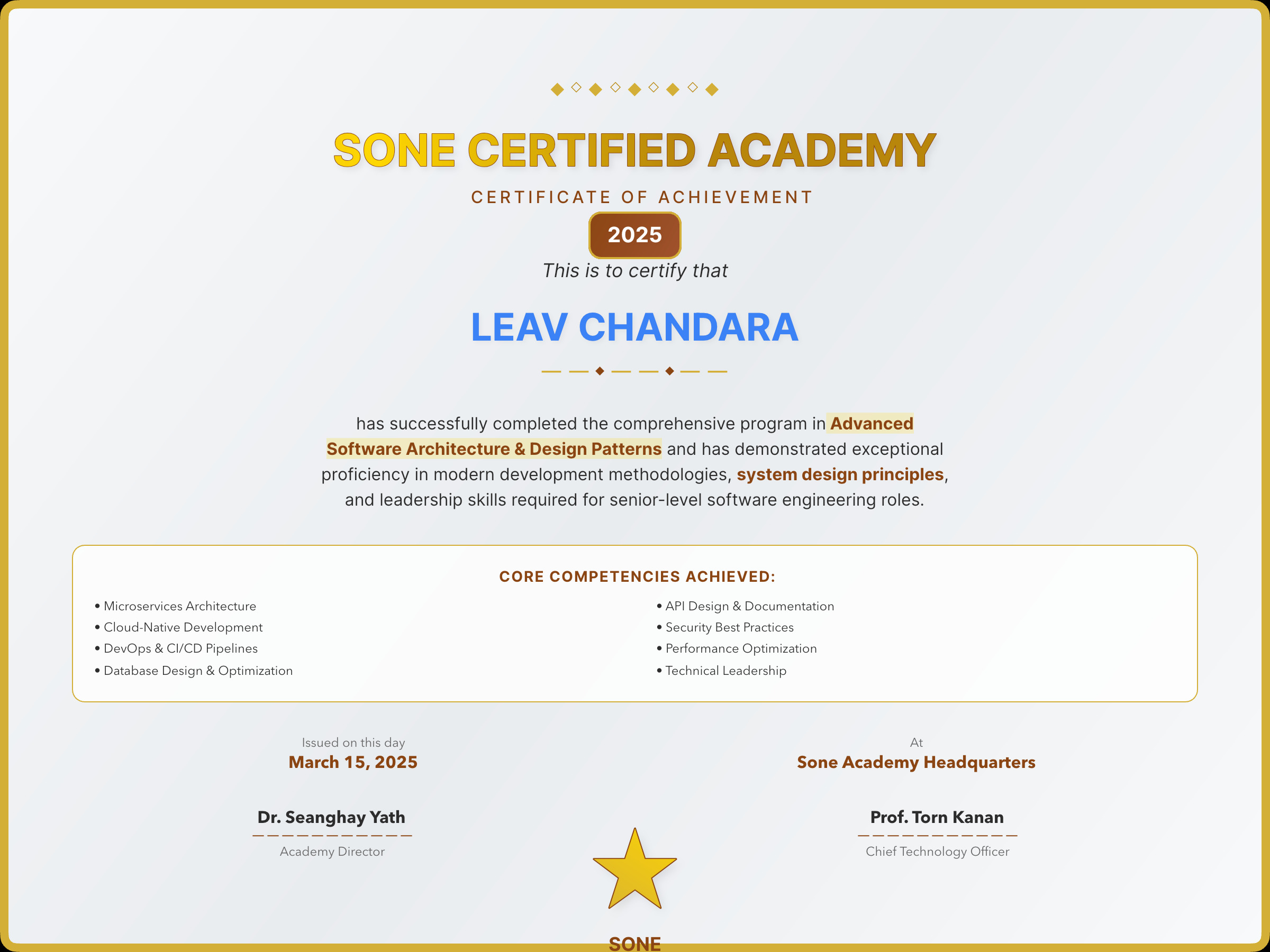
A landscape certificate with centered hero typography and an ornamental border.
import { Column, Path, Row, Span, Text, sone } from "sone";

const Border = Path(
  "M 0 0 L 1056 0 L 1056 816 L 0 816 Z",
)
  .width(1056).height(816)
  .stroke("#1a1a1a").strokeWidth(2)
  .fill("none")
  .position("absolute").top(0).left(0);

const Certificate = Column(
  Border,
  Column(
    Text("Certificate of Completion")
      .size(40).weight("bold").letterSpacing(2).align("center"),
    Text("This certifies that").size(14).color("#666").align("center"),
    Text("Alex Chen")
      .size(64).weight("bold").align("center")
      .color("linear-gradient(135deg, #111, #555)"),
    Text("has successfully completed the").size(14).color("#666").align("center"),
    Text("Advanced Typography Workshop")
      .size(22).weight("bold").align("center"),
    Row(
      Column(
        Text("April 26, 2026").size(11),
        Text("Date").size(9).color("#999"),
      ).alignItems("center").gap(4),
      Column(
        Text("Dr. M. Winters").size(11),
        Text("Instructor").size(9).color("#999"),
      ).alignItems("center").gap(4),
    ).justifyContent("space-around").width(640).margin(40, "auto", 0),
  )
    .gap(24)
    .alignItems("center")
    .justifyContent("center")
    .flex(1),
)
  .position("relative")
  .width(1056).height(816)
  .padding(64)
  .bg("white");

const buffer = await sone(Certificate).pdf();
Notes
- Landscape orientation —
width(1056).height(816)(US Letter rotated). - Border path uses
position: "absolute"so it doesn't take up flex space; the centered content layer fills the same box. - Gradient name —
color("linear-gradient(135deg, #111, #555)")paints the recipient name with a subtle two-tone gradient.