
Sone
A layout engine for image generation in JavaScript. Compose images like you write components.
Built for real-world document generation
HTML and CSS were built for the web — not for programmatic mass document generation. Sone gives you a typed, declarative API tailored for its rendering engine. No missing specs. No browser overhead.
Multi-page PDF
Automatic page breaking, repeating headers and footers, page margins. Pages are just layout.
Rich text first-class
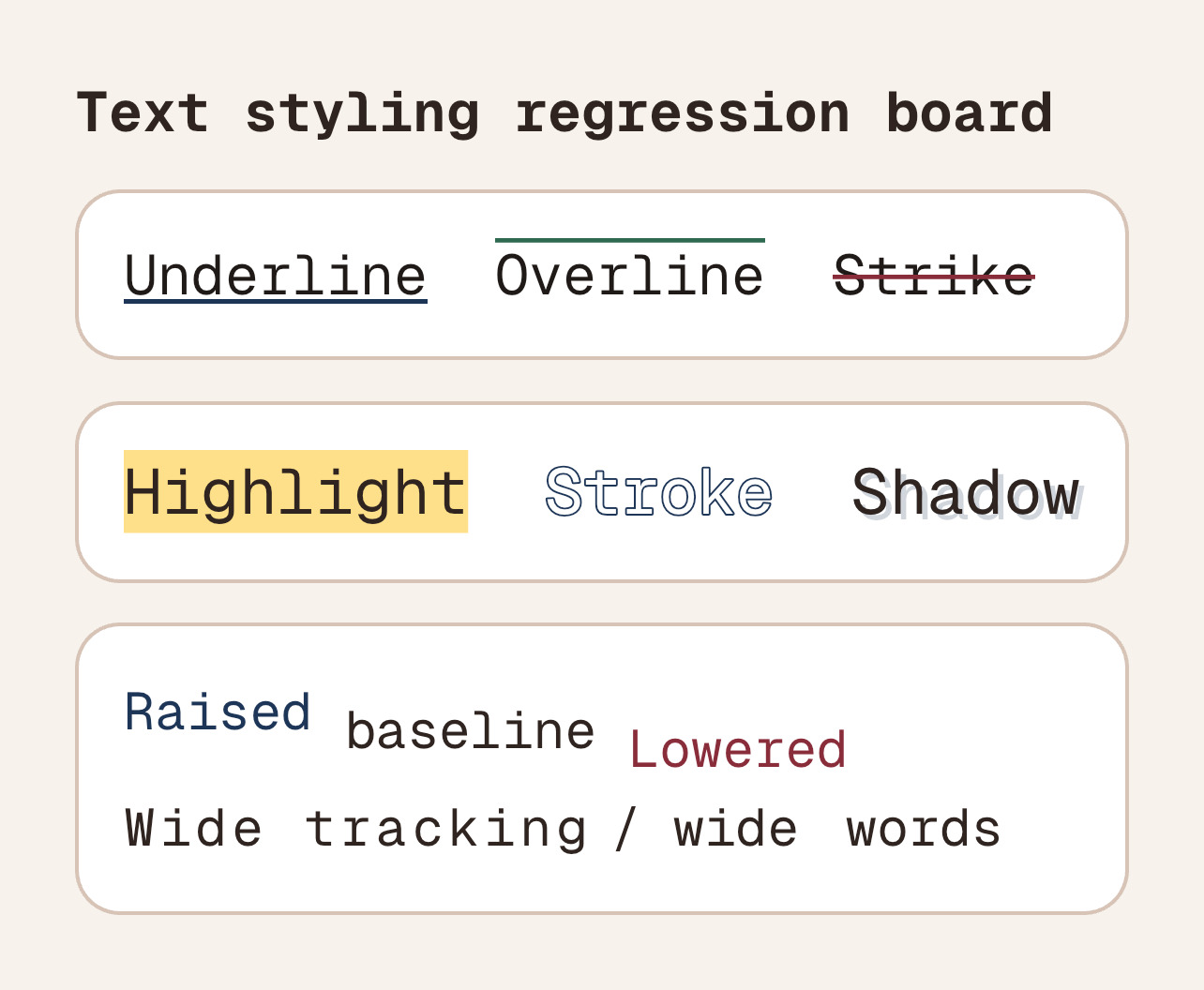
Mixed-style spans, justification, decorations, drop shadows, and per-glyph gradients in a single Text node.
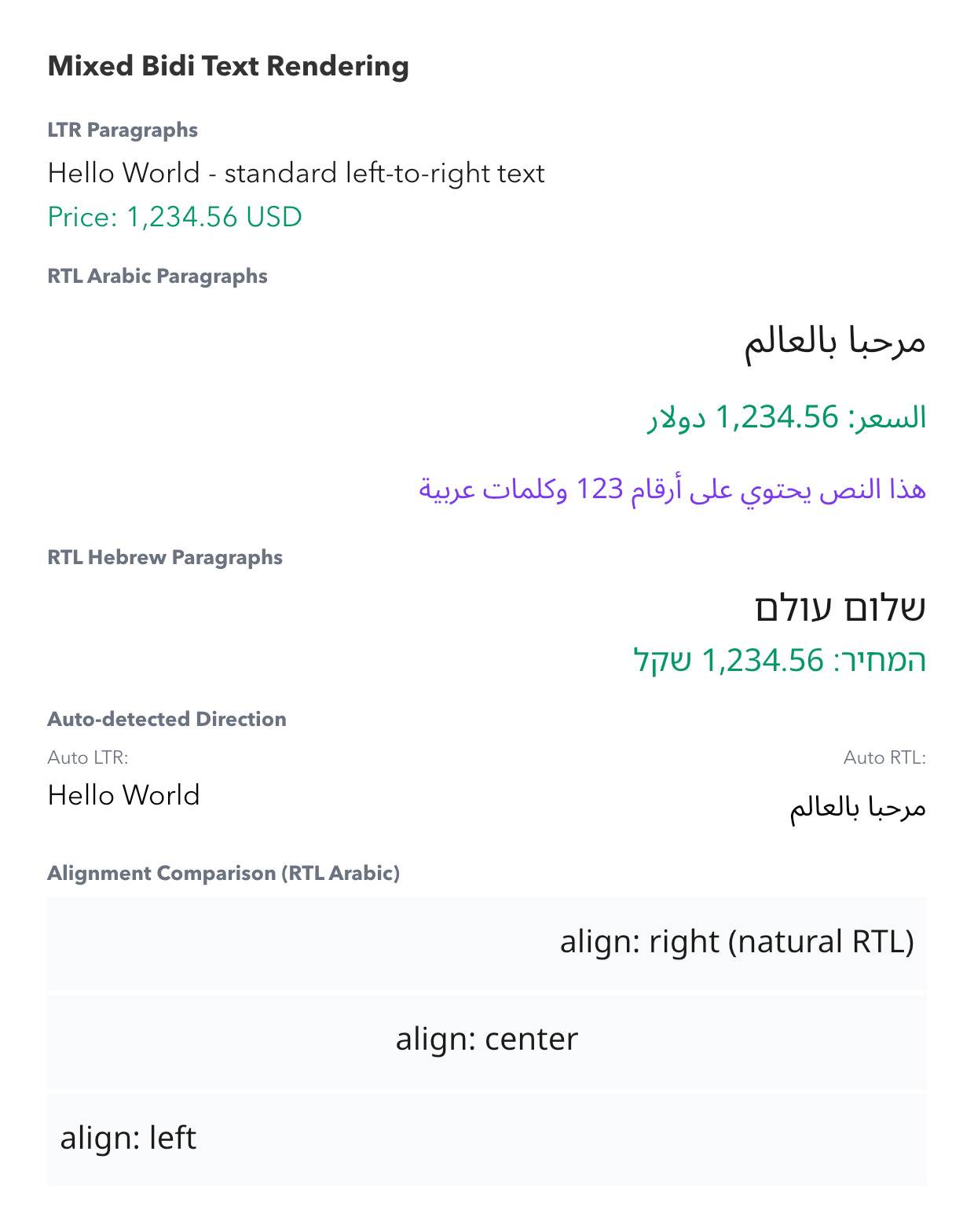
Bidirectional & multilingual
Automatic RTL detection for Arabic, Hebrew, mixed paragraphs. Custom font loading for any script.
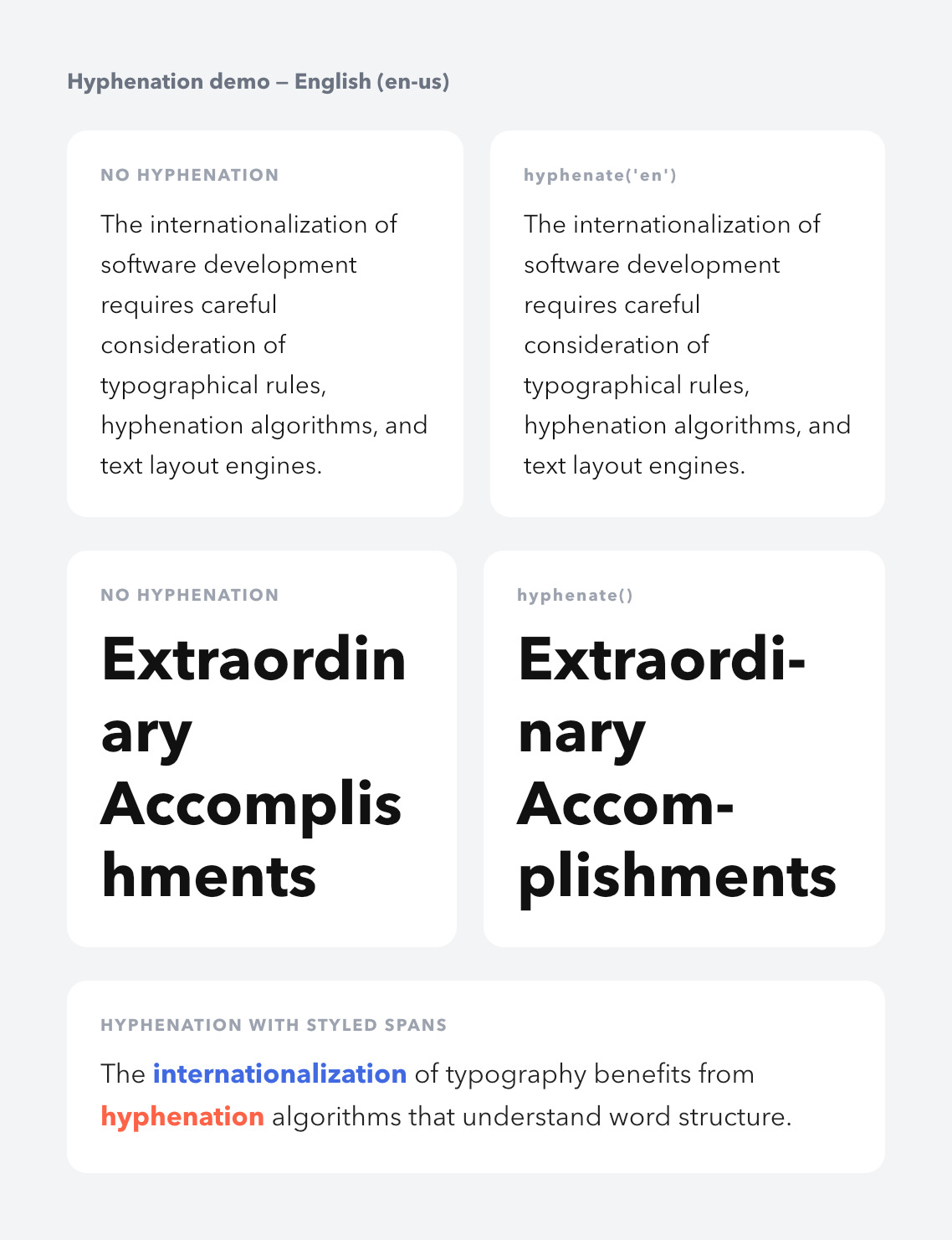
Hyphenation in 80+ languages
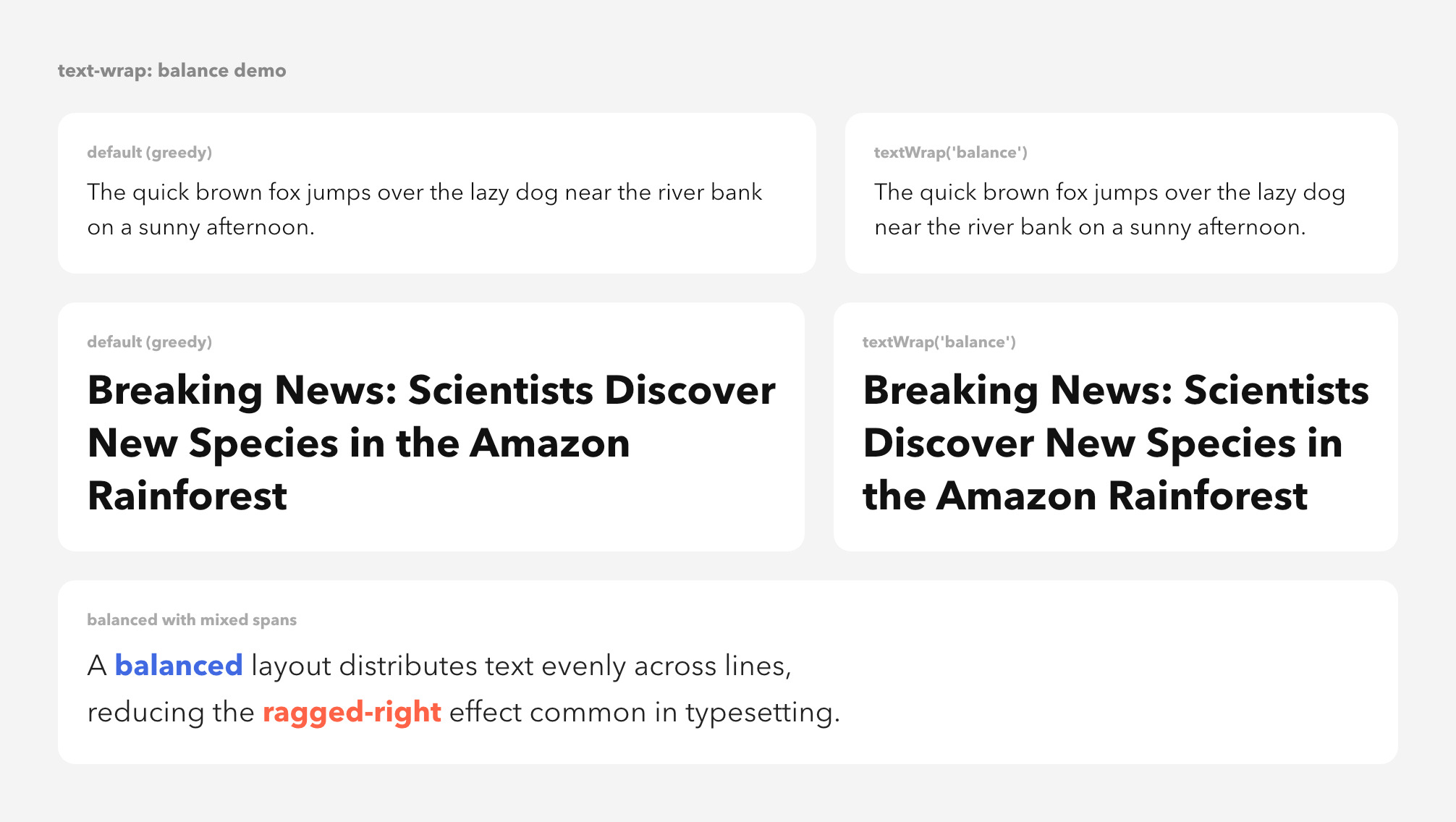
Automatic syllable-aware word hyphenation via Knuth–Liang patterns. Composes with balanced wrap.
Flexbox & CSS Grid
Powered by yoga-layout — the same engine behind React Native. If you know CSS, you already know Sone.
Output anywhere
Render to PNG, JPG, WebP, PDF, SVG, or raw Canvas. Same node tree, six formats.
No browser, no Puppeteer
Native Skia bindings. Images render in single-digit milliseconds, multi-page PDFs in tens of milliseconds.
Just JavaScript
No JSX, no HTML, no transpiler. Plain function calls that work in Node.js, Deno, Bun, and the browser.
YOLO / COCO datasets
Tag any node and export the full layout as a YOLO or COCO bounding-box dataset for ML training.
Just JavaScript. No JSX, no HTML.
Plain function calls that work anywhere JavaScript runs. Compose nodes like Column, Row, Text, Photo — Sone figures out where everything goes.
import fs from "node:fs/promises";
import { Column, Span, sone, Text } from "sone";

// A document is just a tree of node builders — no JSX, no HTML.
function HelloCard() {
  return Column(
    Text(
      "Hello, ",
      Span("Sone").color("linear-gradient(135deg, #f97316, #c026d3)"),
      ".",
    )
      .size(48)
      .weight("bold")
      .color("#171717"),

    Text("Declarative documents — no browser, no JSX.")
      .size(16)
      .color("#525252")
      .lineHeight(1.5),
  )
    .gap(10)
    .padding(40)
    .bg("white")
    .borderWidth(1)
    .borderColor("#e5e5e5")
    .rounded(16);
}

// Render to JPG (also: .png(), .pdf(), .svg(), .webp())
const buffer = await sone(HelloCard()).jpg();
await fs.writeFile("hello.jpg", buffer);If you know Tailwind, you already know Sone
Same vocabulary, same flexbox model — just method calls instead of class strings. The card on the left and the card on the right render to identical pixels.
// React + Tailwind
<div className="
  flex flex-col gap-2
  p-6 bg-white rounded-xl
  border border-zinc-200 max-w-sm
">
  <h2 className="text-xl font-bold text-zinc-900">
    Sone
  </h2>
  <p className="text-sm leading-relaxed text-zinc-500">
    Familiar vocabulary. Same flexbox model.
    Different syntax — plain JavaScript.
  </p>
  <button className="
    mt-2 px-4 py-2 rounded-full
    bg-zinc-900 text-white text-sm font-medium
  ">
    Get started
  </button>
</div>// Sone
Column(
Text("Sone").size(20).weight("bold").color("#18181b"),
Text(
"Familiar vocabulary. Same flexbox model. " +
"Different syntax — plain JavaScript.",
)
.size(14).lineHeight(1.55).color("#71717a"),
Column(Text("Get started").size(14).weight(500).color("white"))
.padding(8, 16).bg("#18181b").rounded(9999)
.alignSelf("flex-start").marginTop(8),
)
.gap(8).padding(24).bg("white")
.borderWidth(1).borderColor("#e4e4e7")
.rounded(12).maxWidth(384)flex flex-colColumn(...)flex flex-rowRow(...)gridGrid(...)gap-3.gap(12)flex-1.flex(1)items-center.alignItems("center")justify-between.justifyContent("space-between")p-6.padding(24)px-4 py-2.padding(8, 16)pt-4.paddingTop(16)m-4.margin(16)mt-2.marginTop(8)w-full.width("100%")w-96.width(384)max-w-sm.maxWidth(384)text-xl.size(20)font-bold.weight("bold")font-medium.weight(500)leading-relaxed.lineHeight(1.55)tracking-tight.letterSpacing(-0.4)text-center.align("center")underline.underline()text-white.color("white")text-zinc-500.color("#71717a")bg-black.bg("black")bg-gradient-to-r ....bg("linear-gradient(90deg, ...)")rounded-lg.rounded(8)rounded-full.rounded(9999)border.borderWidth(1)border-zinc-200.borderColor("#e4e4e7")shadow-md.shadow("0 4px 6px rgba(0,0,0,0.1)")opacity-50.opacity(0.5)Want the full method list? Browse the layout reference →
Code in, document out
Every snippet below was rendered by Sone into the image beside it. Same builders, no JSX, no CSS — composing nodes is the entire API.
Open Graph image
Fixed-size 1200×630 social card. Same node tree renders to PNG, JPG, or WebP — single-digit-millisecond render means you can produce them per request.
Column(
  Row(Text("sone.dev").size(18).color("#525252").weight("bold")),
  Text("Generate documents at scale, without a browser.")
    .size(72).weight("bold").color("#171717")
    .lineHeight(1.1).maxWidth(1000),
  Row(
    Column(
      Text("Read more").size(15).weight("bold").color("#171717"),
      Text("5 min read").size(13).color("#525252"),
    ).gap(2),
  ),
)
  .width(1200).height(630).padding(64)
  .bg("white").justifyContent("space-between")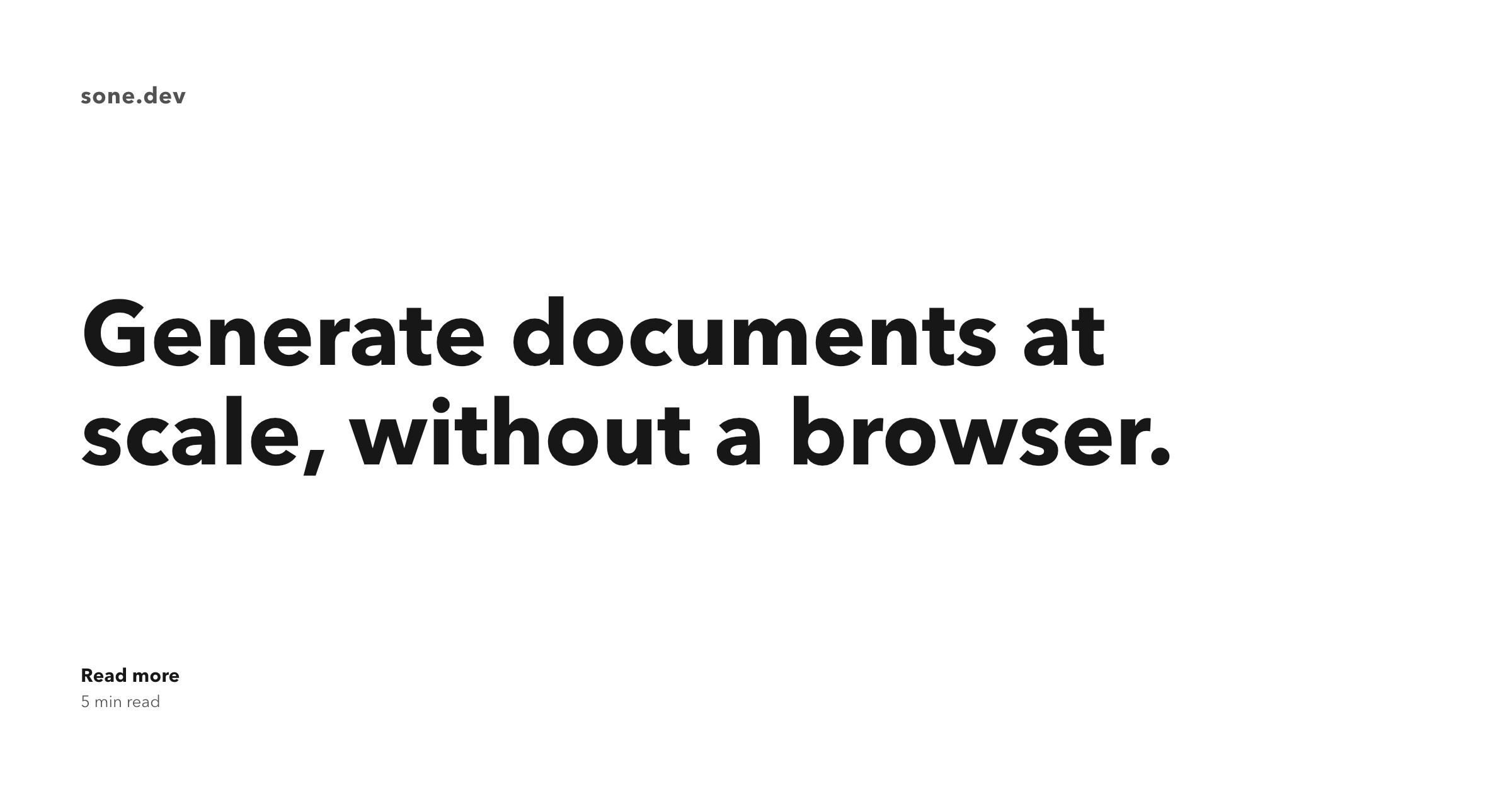
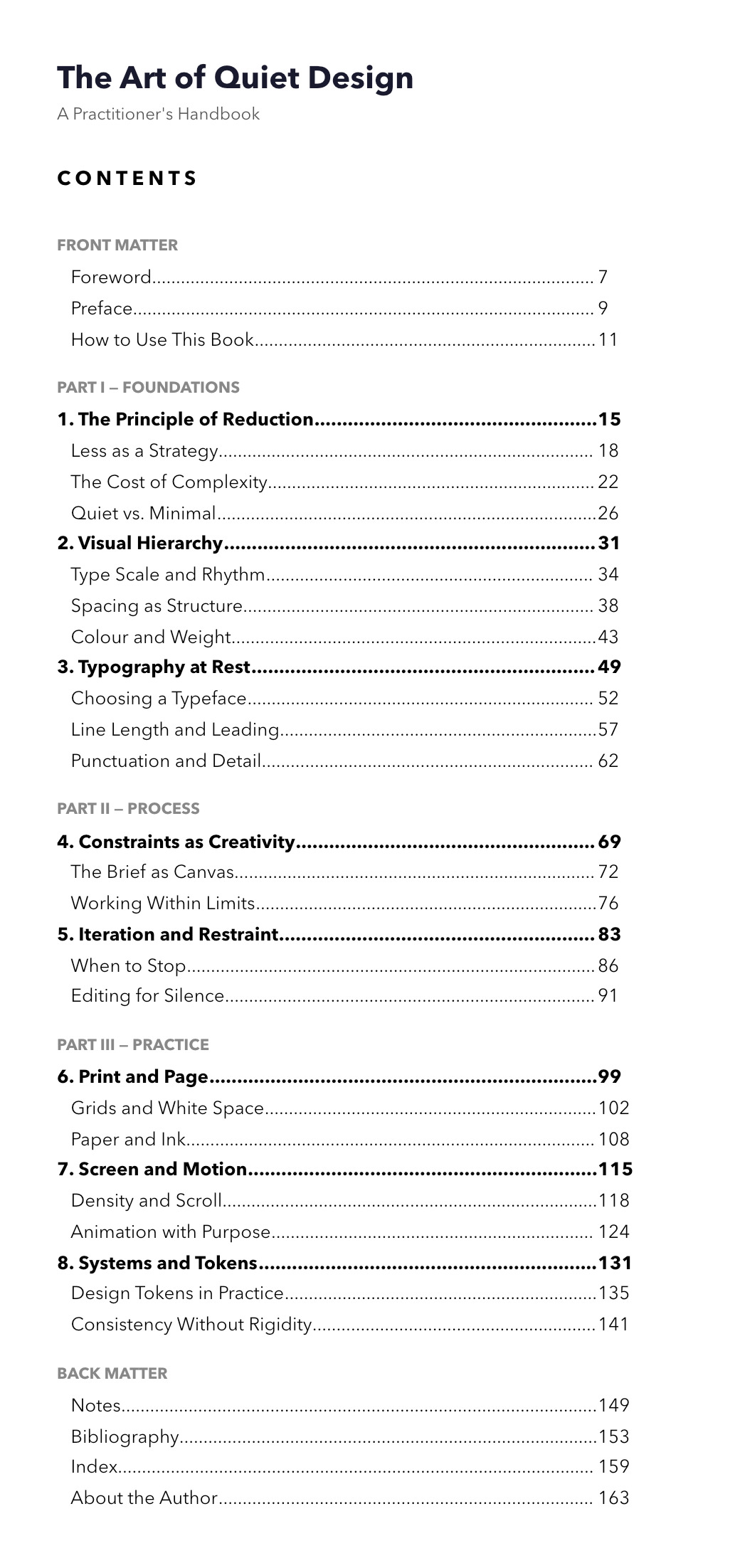
Receipt with tab leaders
Tab stops with a "." leader give classic Word-style table-of-contents alignment in a single Text node — no Table needed.
const line = (label, amount) =>
  Text(`${label}\t${amount}`)
    .tabStops(420).tabLeader(".")
    .size(13).color("#171717");

Column(
  Text("Coffee Receipt").size(20).weight("bold"),
  Text("Order #2241 · 26 Apr 2026").size(11).color("#737373"),
  Column(
    line("Cappuccino", "$4.50"),
    line("Cortado", "$4.00"),
    line("Almond croissant", "$5.25"),
    line("Sparkling water", "$3.00"),
  ).gap(4).margin(12, 0),
  Text("Total\t$16.75")
    .tabStops(380).size(15).weight("bold"),
)
  .width(540).padding(32, 36).gap(8).bg("white")
  .borderWidth(1).borderColor("#e5e5e5").rounded(12)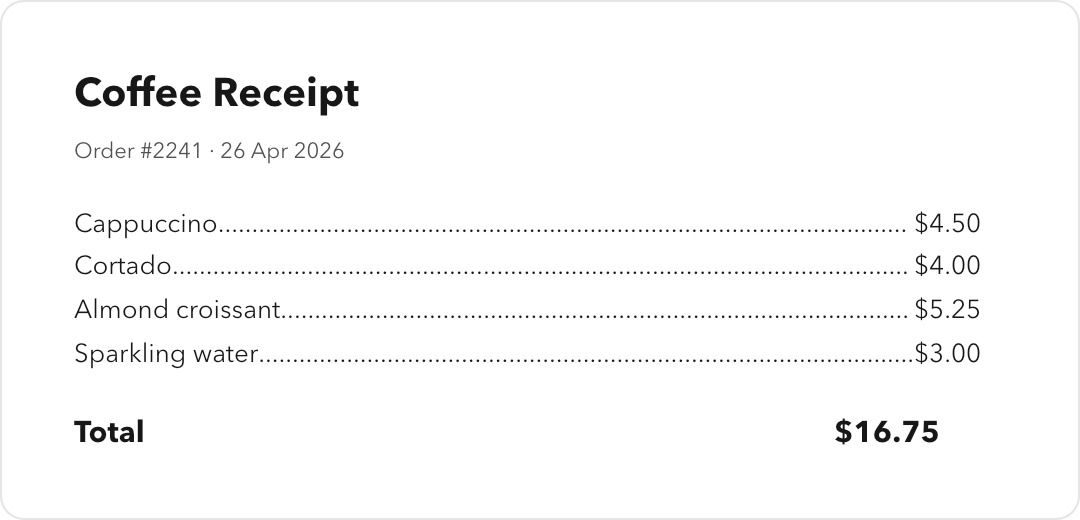
Inline gradient span
Spans inside a Text inherit the paragraph layout but can override color, weight, font, decorations — even a CSS gradient color.
Column(
  Text(
    "Beautiful ",
    Span("typography")
      .color("linear-gradient(135deg, #f97316, #c026d3)")
      .weight("bold"),
    ", without a browser.",
  )
    .size(56).weight("bold").color("#171717")
    .lineHeight(1.1).maxWidth(560),

  Text(
    "Mixed spans, justification, decorations, drop shadows, " +
    "and per-glyph gradients in a single Text node.",
  ).size(15).color("#525252").lineHeight(1.6).maxWidth(540),
)
  .width(640).padding(48).bg("white")
  .borderWidth(1).borderColor("#e5e5e5").rounded(16)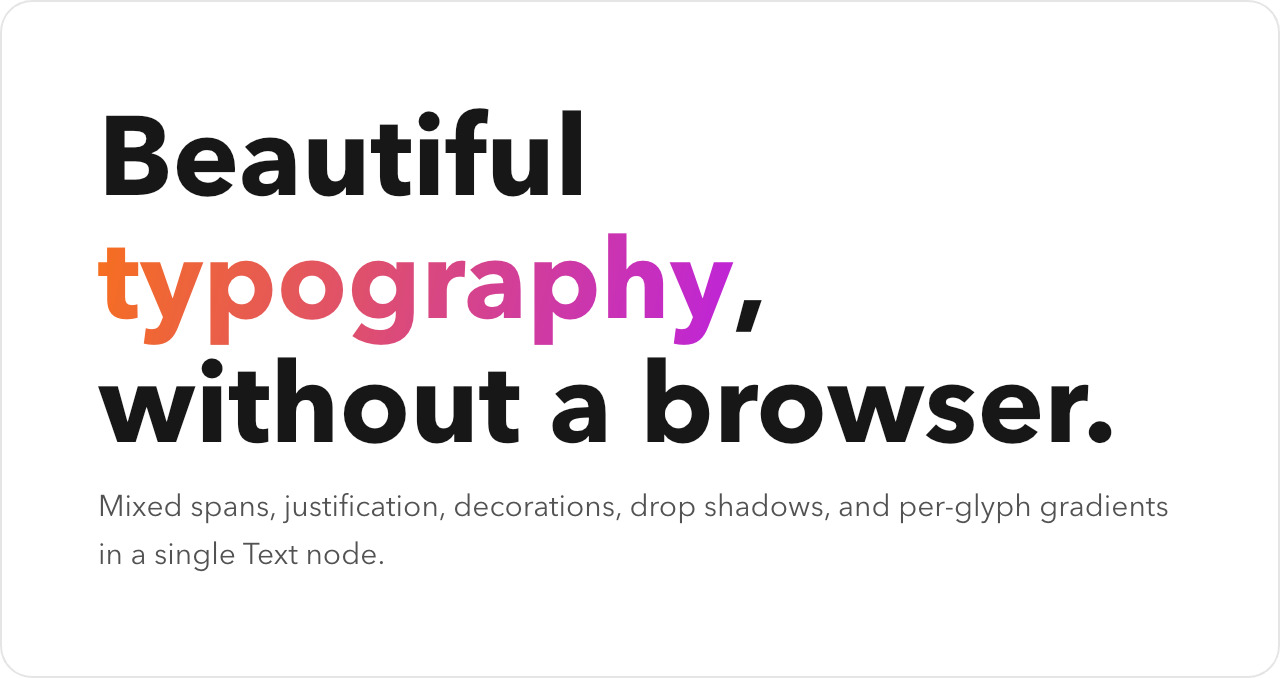
Stats card with semantic spans
Two-column dashboard tile. Each delta is a Span inside the body text — color the trend without breaking out into a separate node.
Row(
  Column(
    Text("Active users").size(13).color("#525252").weight("bold"),
    Text("128,420").size(48).weight("bold").color("#171717"),
    Text(
      Span("▲ +22%").color("#16a34a").weight("bold"),
      " vs last week",
    ).size(13).color("#525252"),
  ).gap(4).flex(1),
  Column(
    Text("Revenue").size(13).color("#525252").weight("bold"),
    Text("$12,840").size(48).weight("bold").color("#171717"),
    Text(
      Span("▲ +9%").color("#16a34a").weight("bold"),
      " vs last week",
    ).size(13).color("#525252"),
  ).gap(4).flex(1),
)
  .width(640).padding(32).gap(48).bg("white")
  .borderWidth(1).borderColor("#e5e5e5").rounded(16)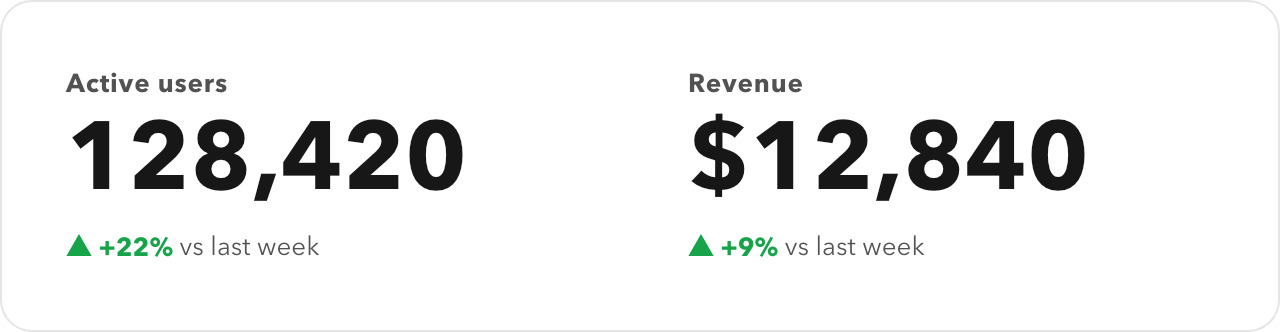
Pull-quote
maxWidth + lineHeight + a decorative leading character. The author block is a sibling Column with its own typography.
Column(
  Text('"').size(72).color("#d4d4d4").weight("bold").lineHeight(0.9),
  Text(
    "Sone lets you focus on designing instead of " +
    "calculating positions manually.",
  )
    .size(22).color("#171717").weight("bold")
    .lineHeight(1.4).maxWidth(440),
  Row(
    Column(
      Text("Seanghay").size(13).weight("bold").color("#171717"),
      Text("Author of Sone").size(11).color("#737373"),
    ).gap(2),
  ).margin(16, 0, 0, 0),
)
  .width(540).padding(40).gap(8).bg("white")
  .borderWidth(1).borderColor("#e5e5e5").rounded(16)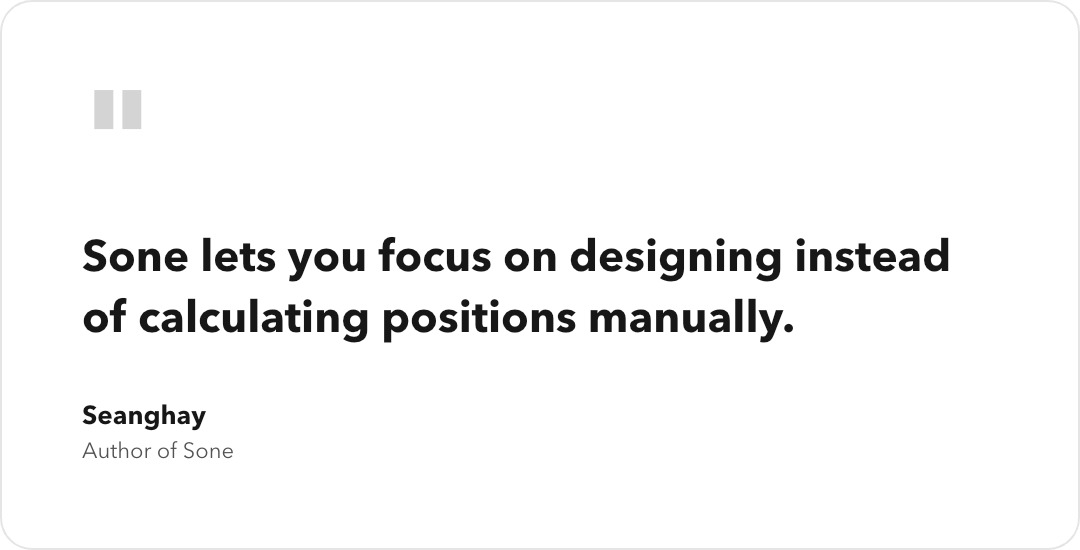
Feature row
A Row of two Columns — the icon tile is just a sized Column with a background. Compose features without a CSS framework.
Row(
  Column().width(48).height(48).rounded(12).bg("#f5f5f5"),
  Column(
    Text("Multi-page PDF").size(18).weight("bold").color("#171717"),
    Text(
      "Automatic page breaking, repeating headers and " +
      "footers, page margins. Pages are just layout.",
    ).size(13).color("#525252").lineHeight(1.55).maxWidth(420),
  ).gap(4).flex(1),
)
  .width(540).padding(28).gap(16).bg("white")
  .borderWidth(1).borderColor("#e5e5e5").rounded(16)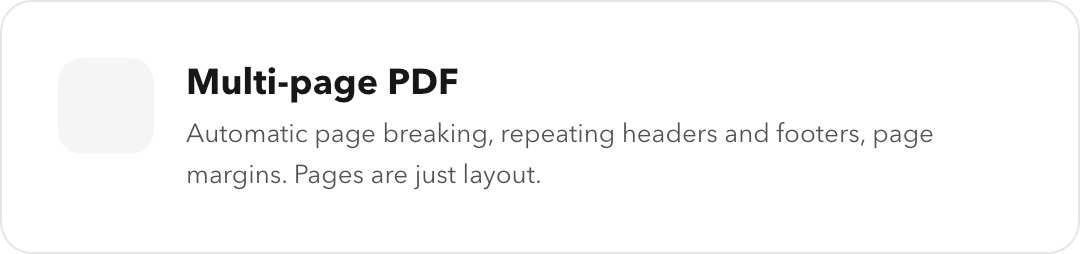
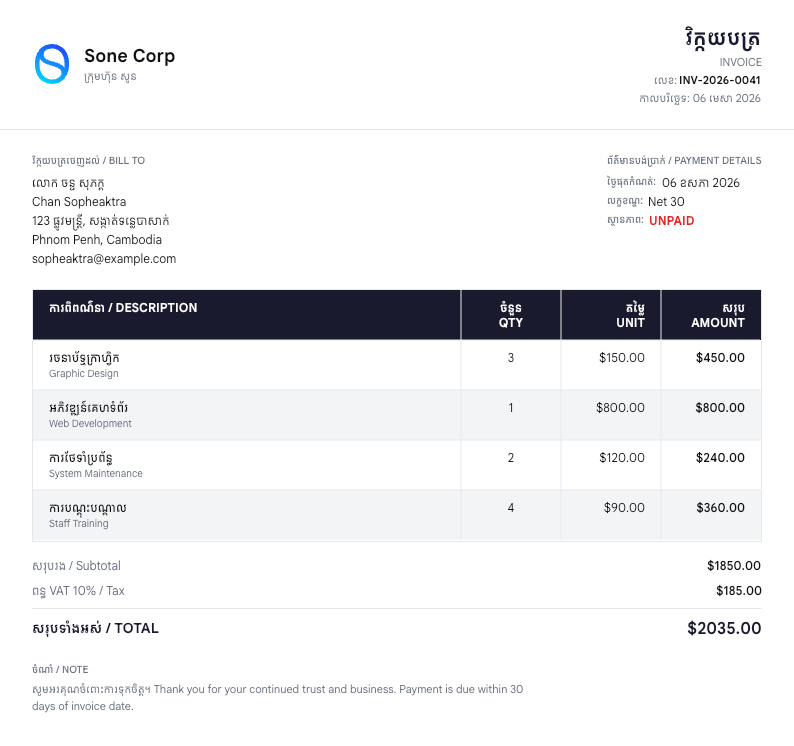
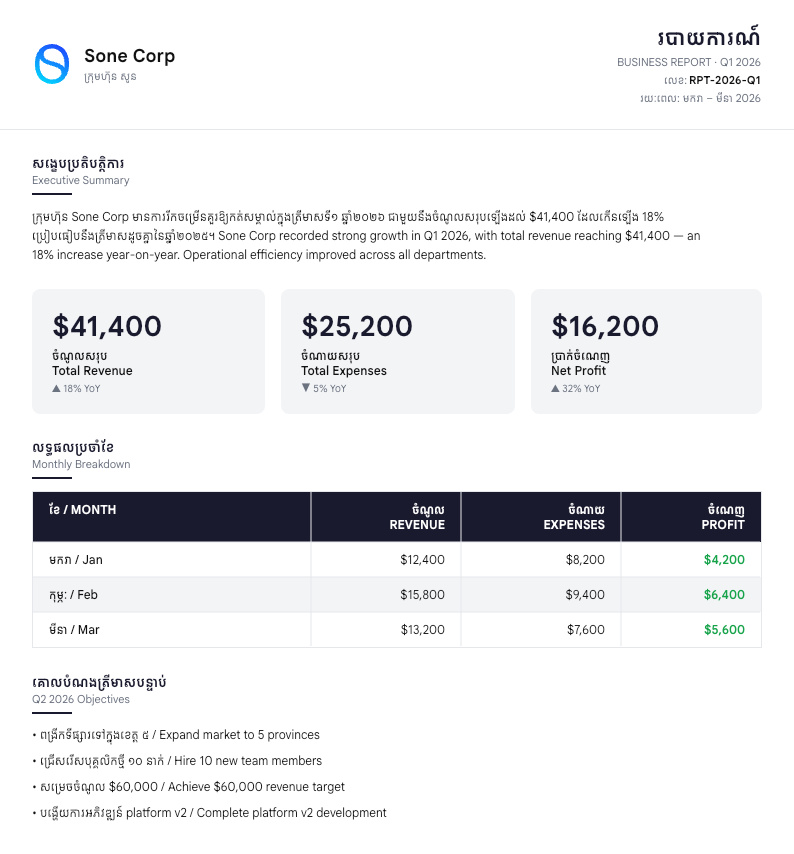
What you can build
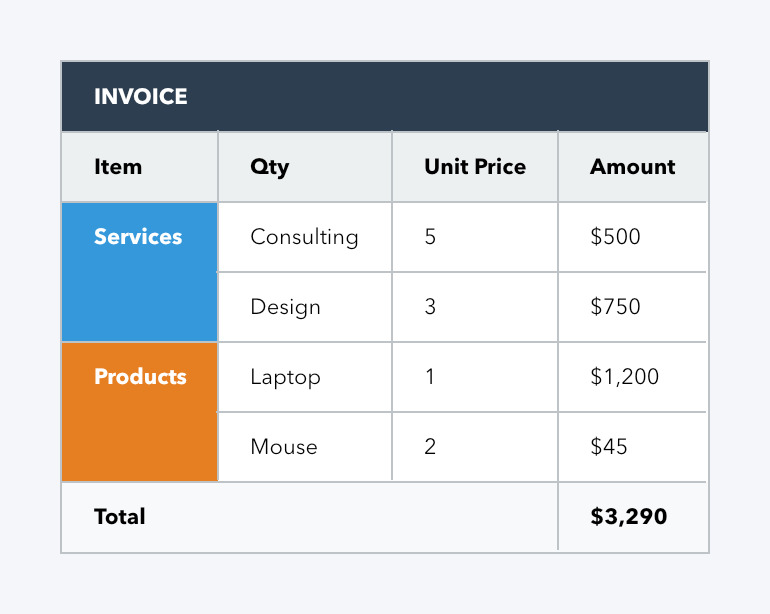
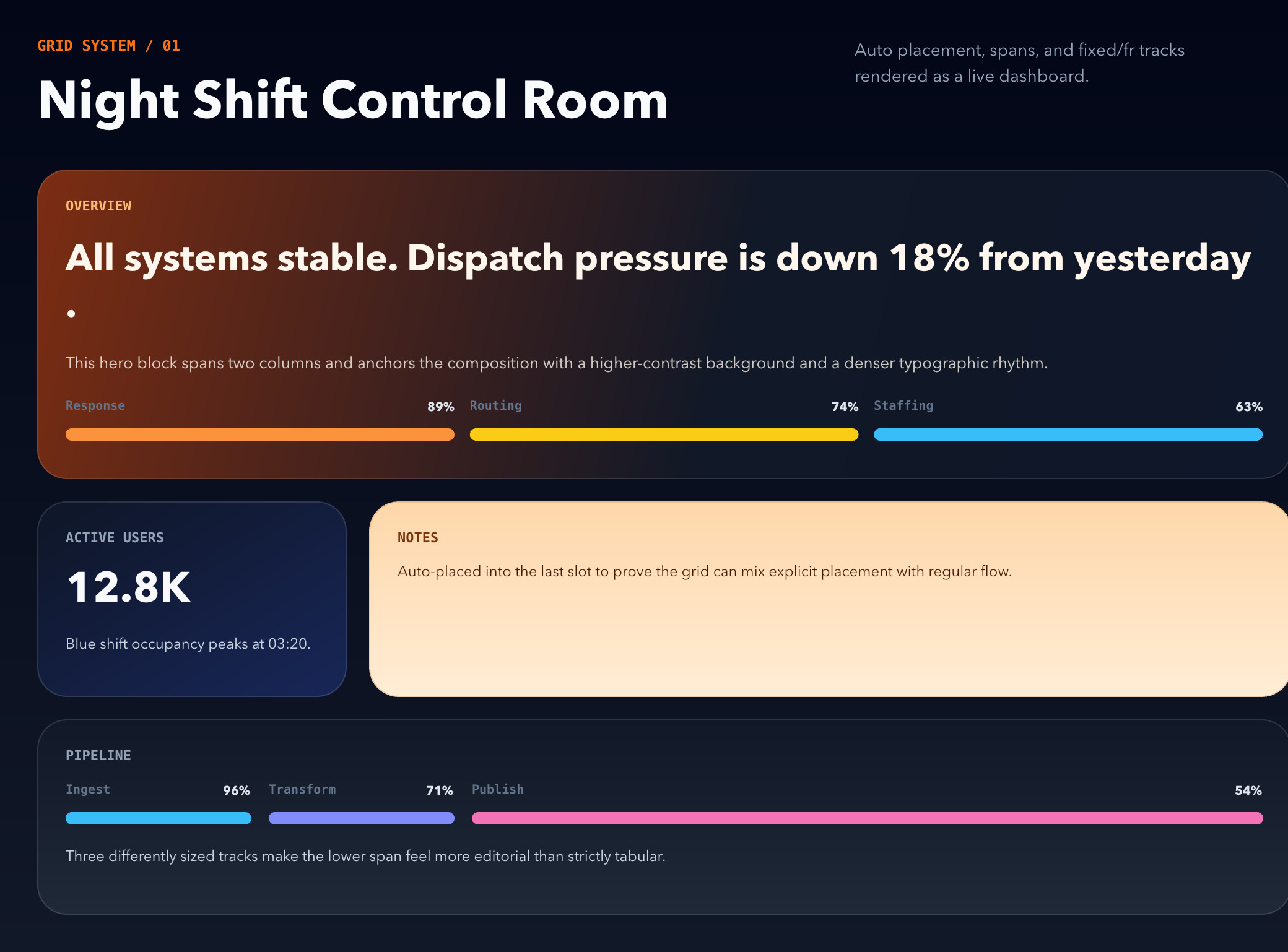
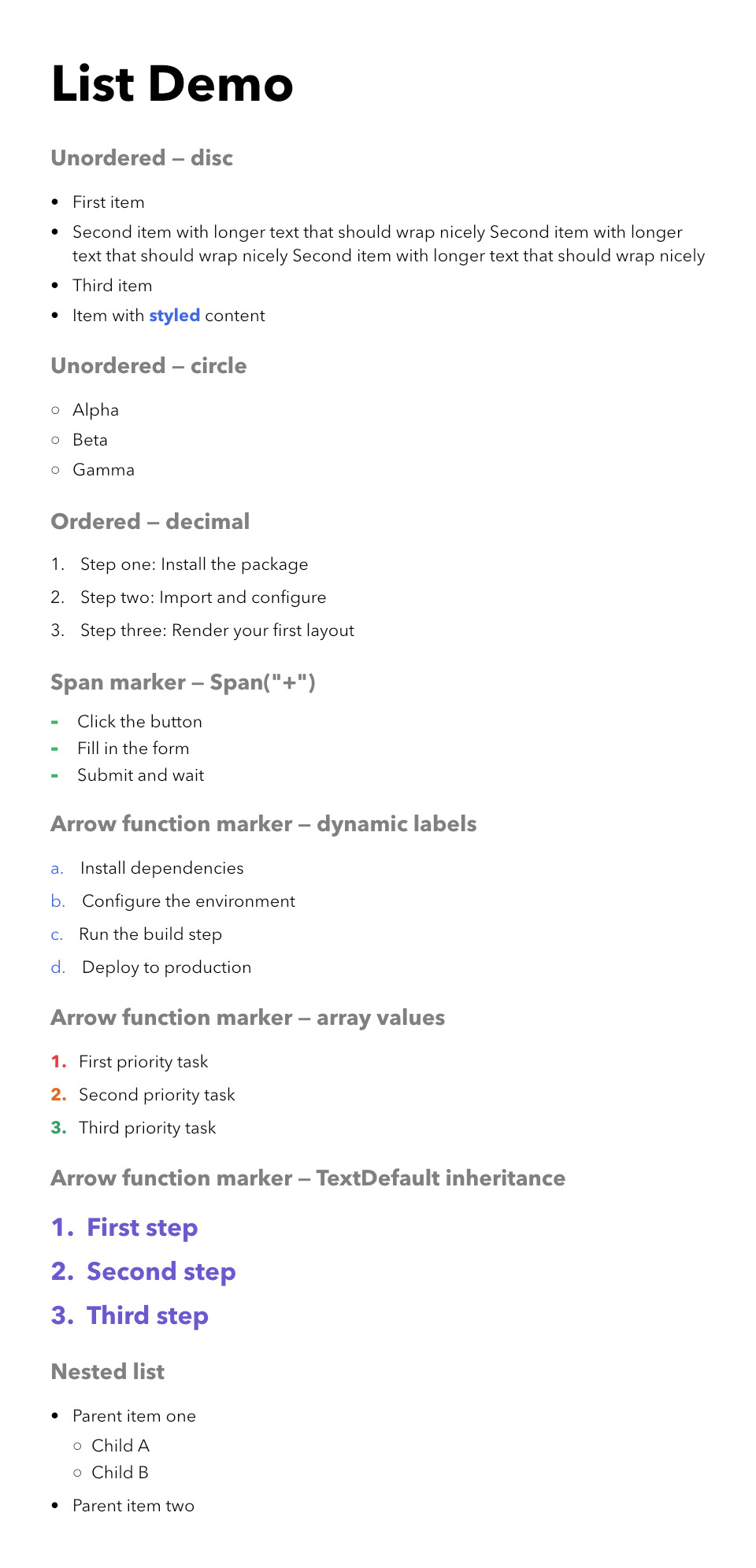
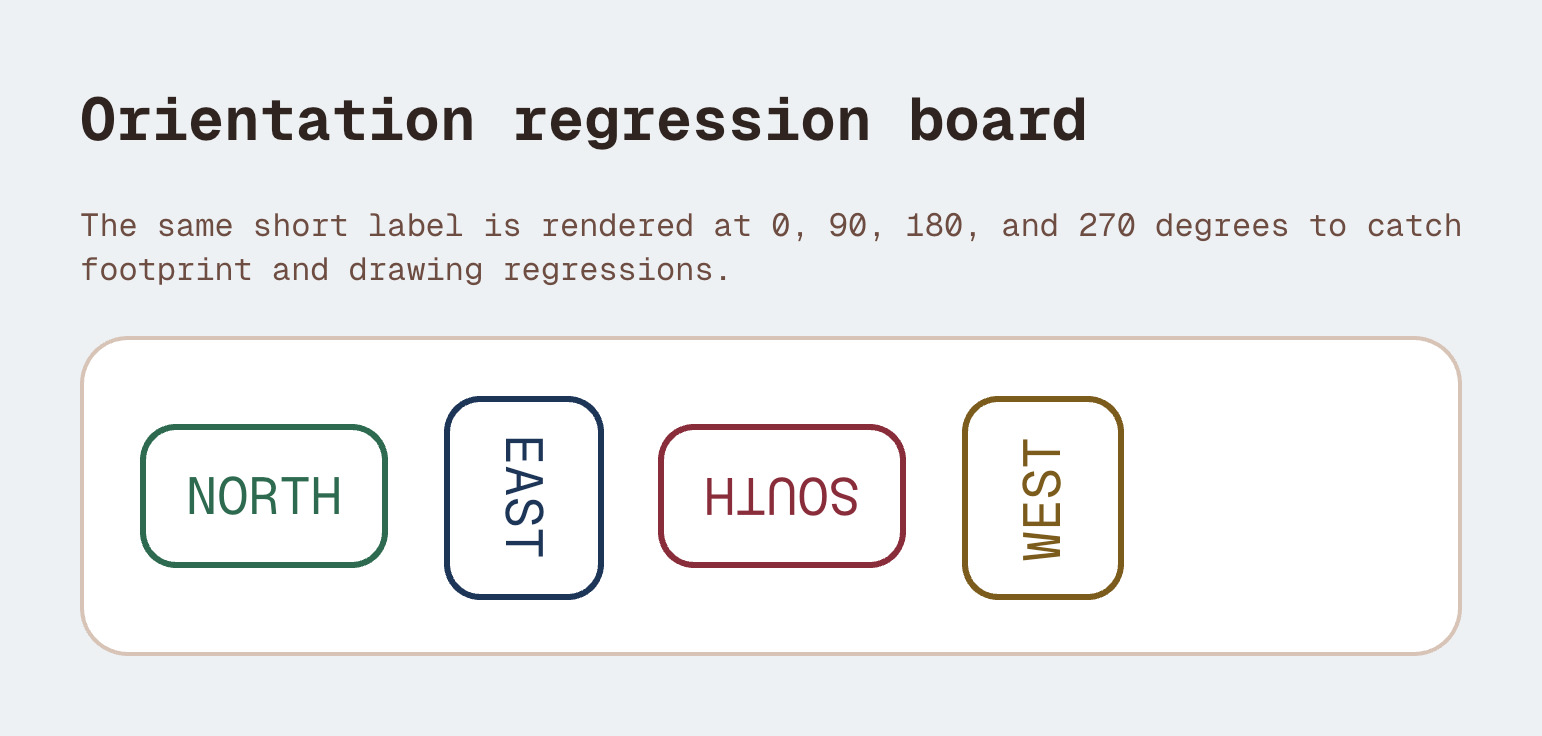
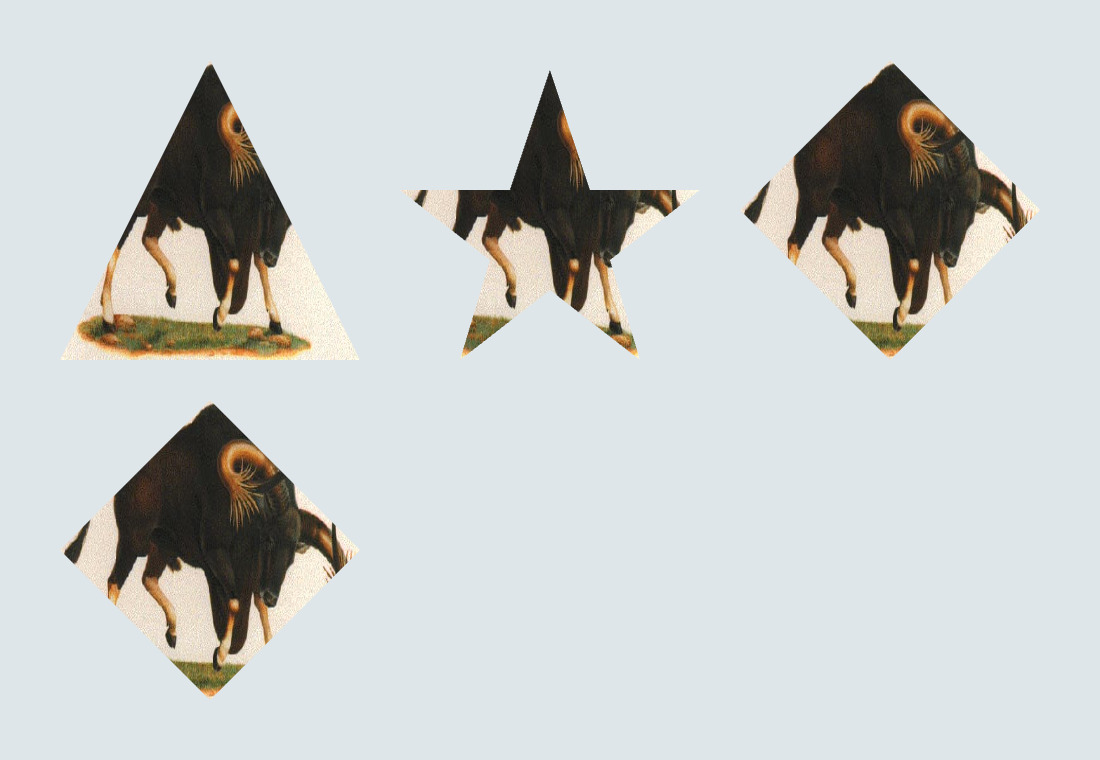
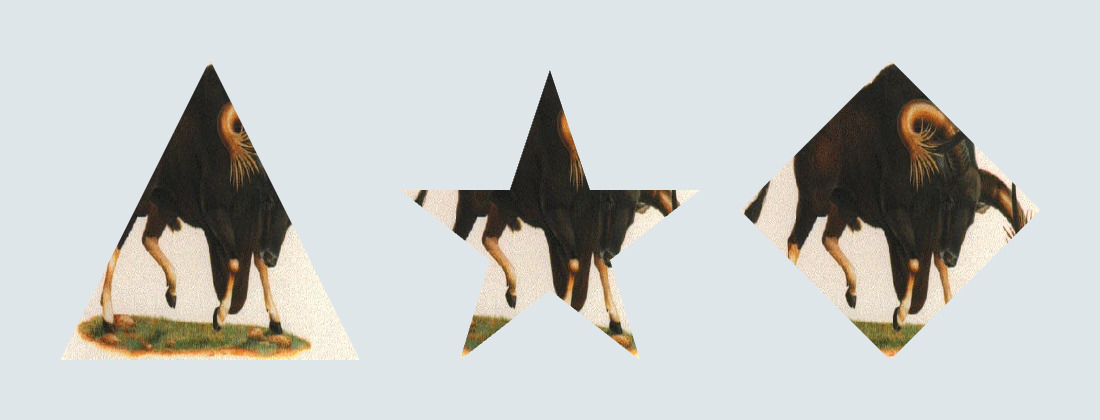
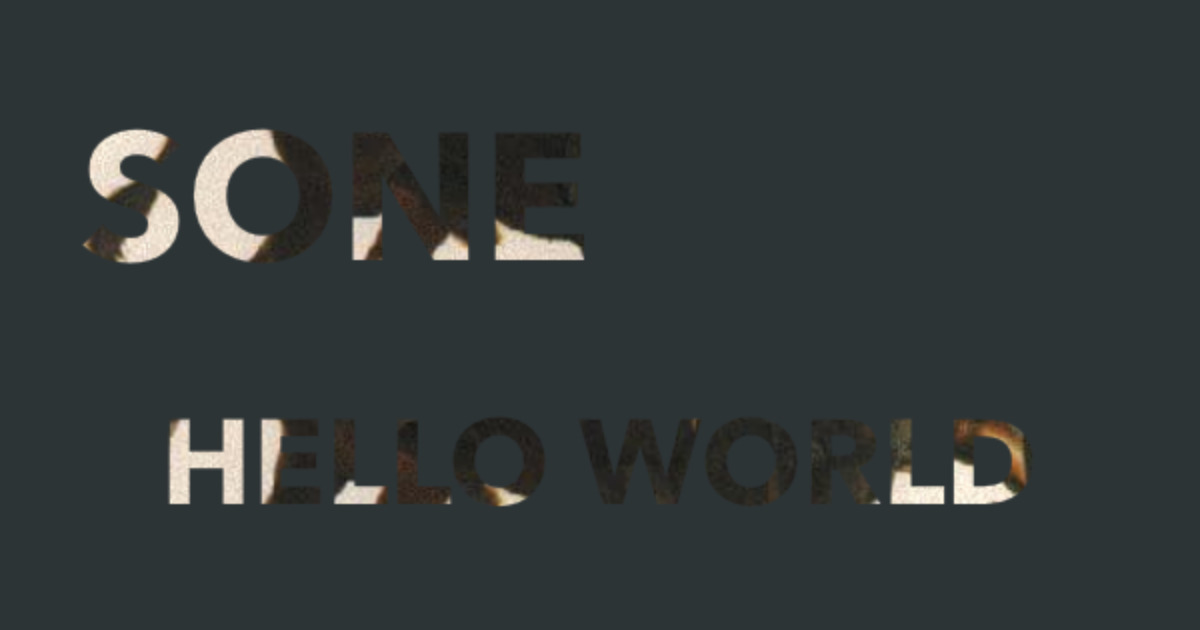
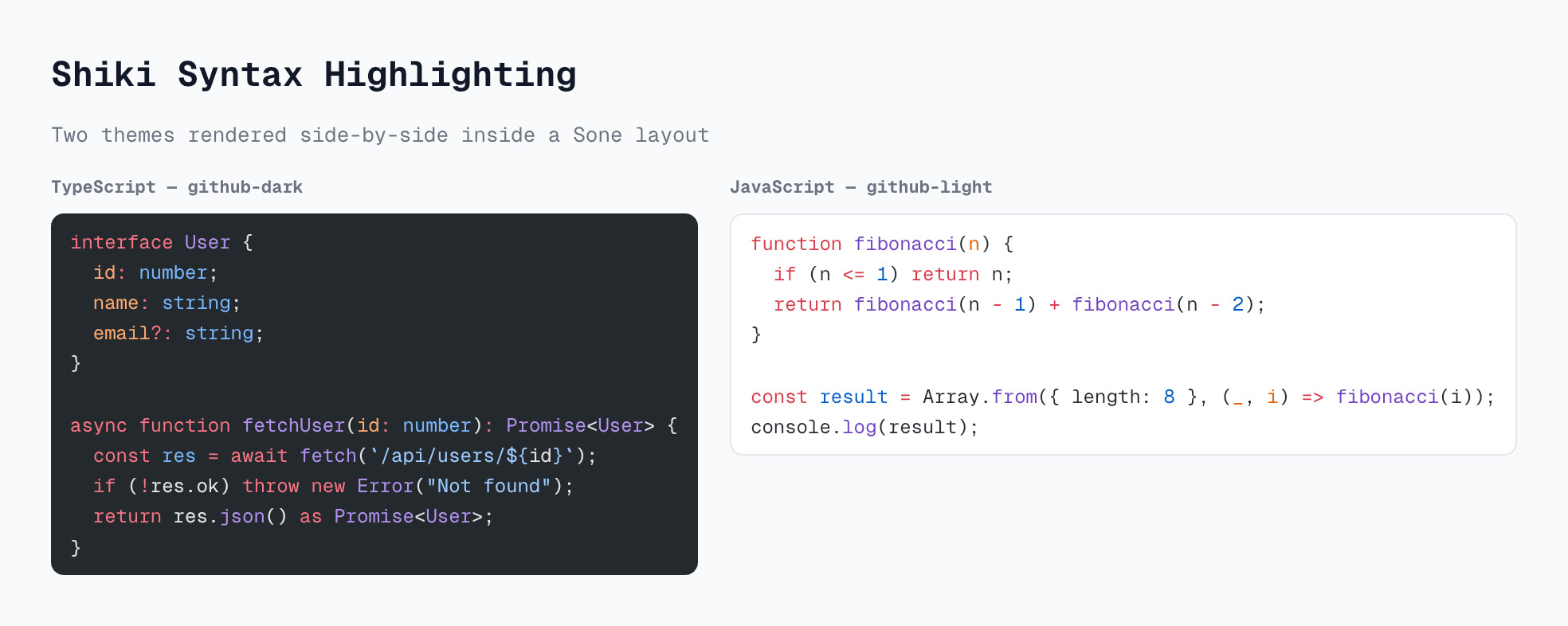
A small sample of outputs from the test suite — click any tile to open its source on GitHub. Every image is generated programmatically — no headless browser, no HTML parsing.
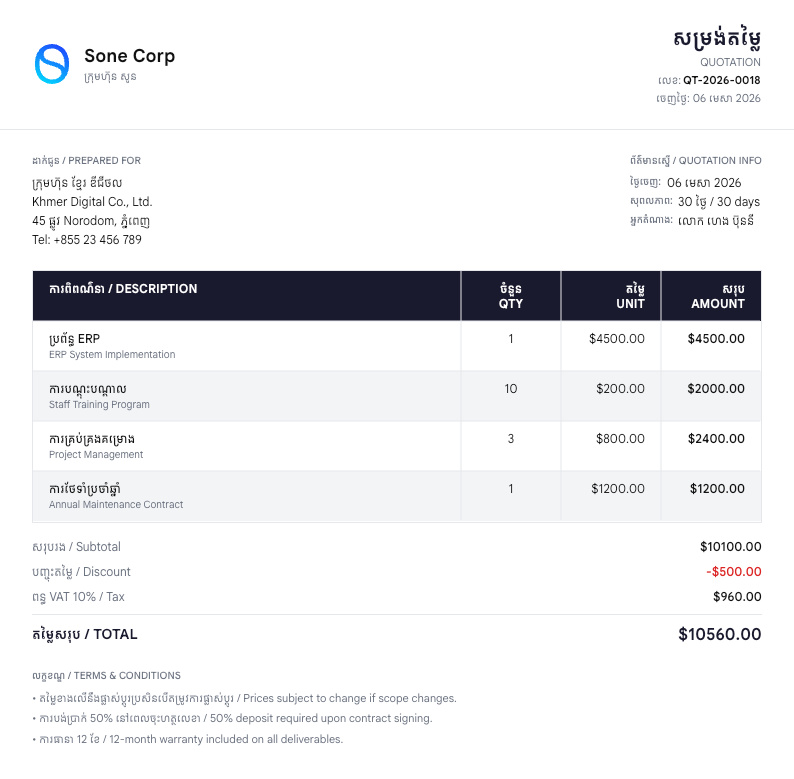
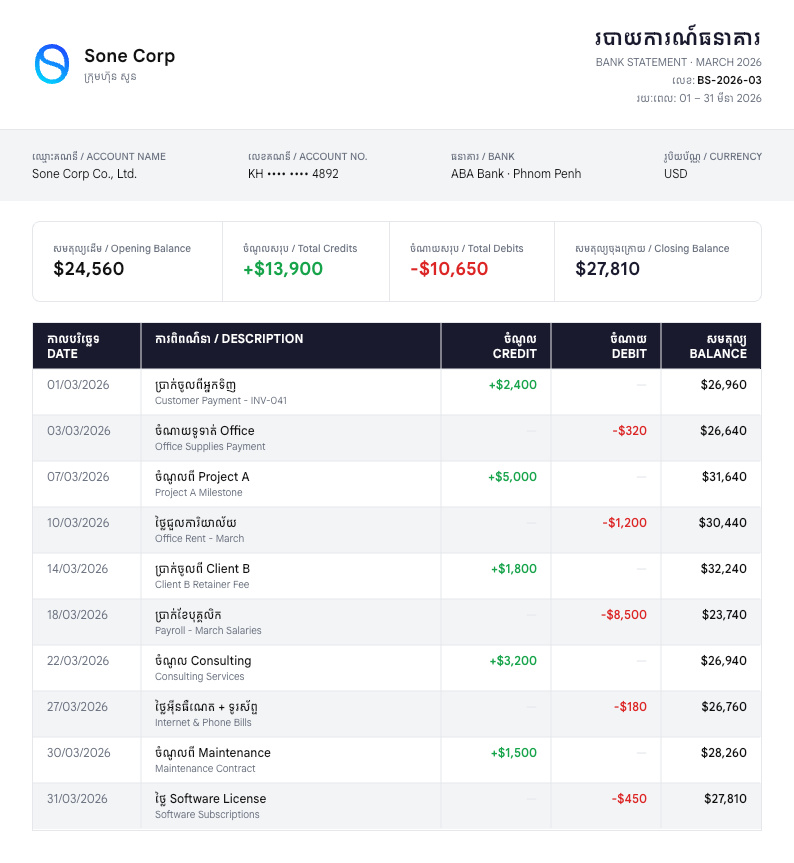
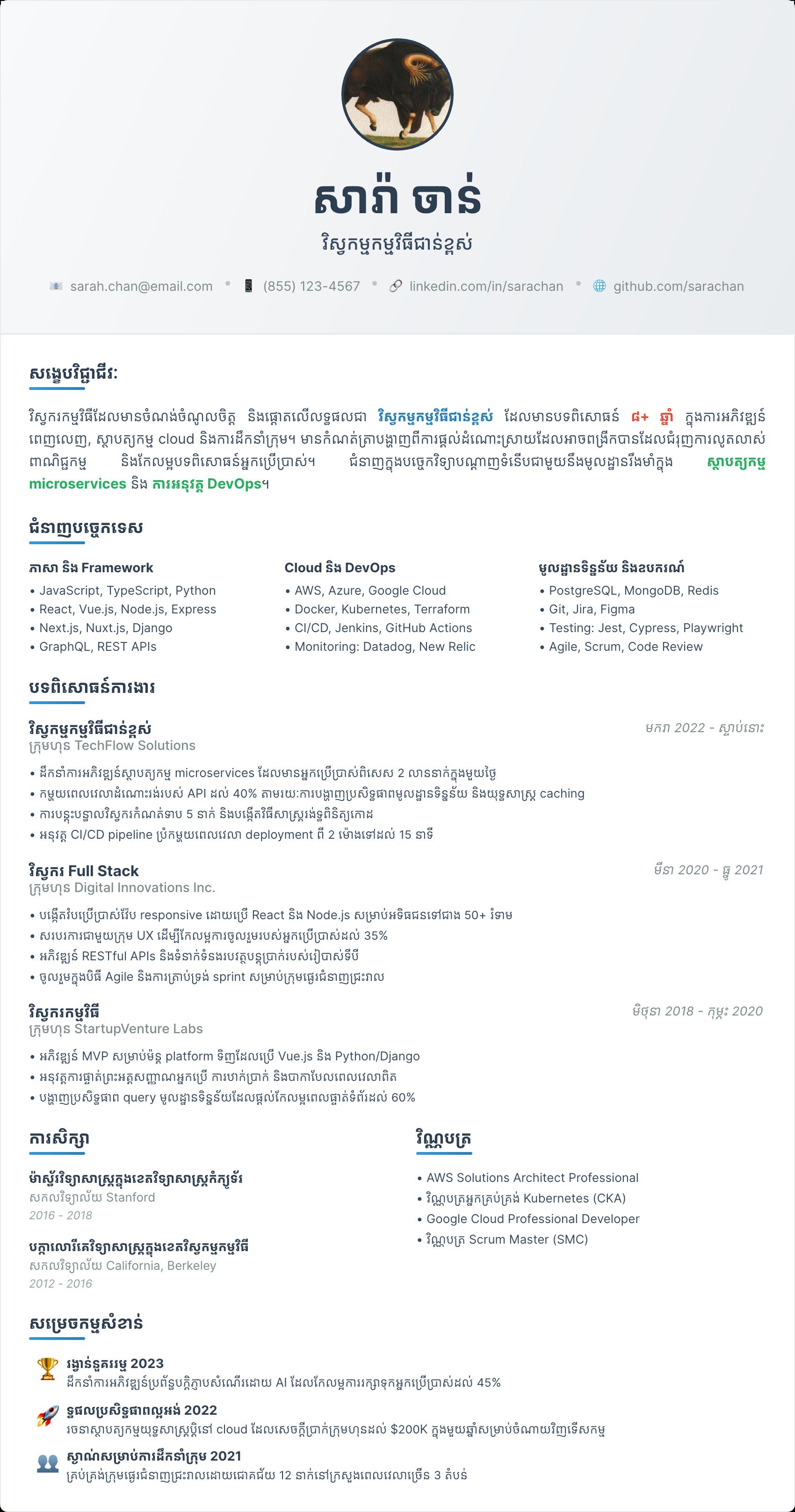

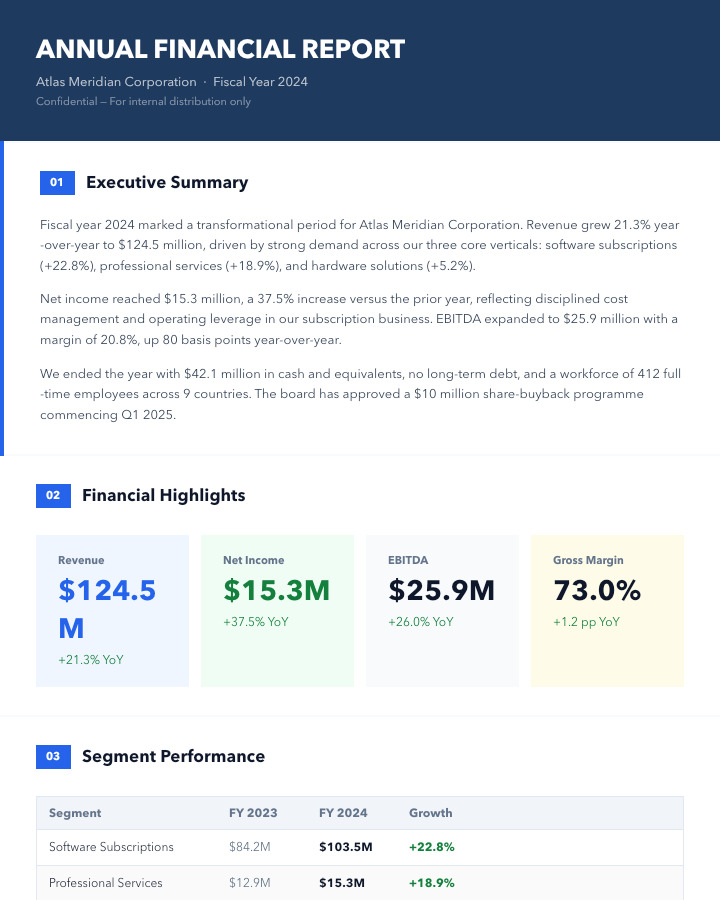

How Sone compares
Sone, Takumi, Vercel Satori, and PlutoBook all turn code (or HTML/CSS) into images and PDFs, but they make different trade-offs. Pick by what you're shipping.
| Feature | Sonethis library | TakumiRust renderer | SatoriVercel | PlutoBookHTML → PDF |
|---|---|---|---|---|
| API | Plain JS function calls | JSX (HTML + CSS subset) | JSX (HTML + CSS subset) | HTML + CSS document |
| Renderer | skia-canvas (native Skia) | Rust + WGPU/Skia | SVG → resvg / Sharp | C++ + Cairo |
| JS / TS API | Yes | Yes | Yes | Node.js, C++, Python |
| Build step required | No | JSX | JSX | No |
| Image output (PNG / JPG / WebP) | Yes | Yes | PNG via post-render | PNG only |
| PDF output | multi-page, headers, footers | No | No | core feature |
| SVG output | Yes | No | native format | No |
| CSS Grid | Yes | No | No | Yes |
| Flexbox layout | yoga-layout | Yes | yoga-layout | Yes |
| Bidirectional text (RTL) | auto, full UBA | limited | limited | Yes |
| Hyphenation | 80+ languages | No | No | CSS hyphens |
| Balanced line wrapping | Yes | No | No | No |
| Tab stops & leaders | Yes | No | No | via CSS |
| Custom font loading | Yes | Yes | Yes | Yes |
| Layout metadata (bboxes) | YOLO / COCO export | No | No | No |
| Browser runtime | PNG / JPG / WebP | No | PNG / SVG | No |
| Edge runtime | No | Yes | Yes | No |
Invoices, reports, resumes, multi-page PDFs, and OG images on Node servers — first-class typography and pagination.
Very fast OG images and dynamic banners on edge runtimes where Rust binaries are available.
Edge-friendly OG images with familiar JSX + CSS — the lowest-friction option if you already write React.
Print-perfect PDFs from existing HTML/CSS templates — Node.js, Python, and C++ bindings cover most pipelines.


Frequently asked
Common questions about what Sone solves and how it fits into a document pipeline.